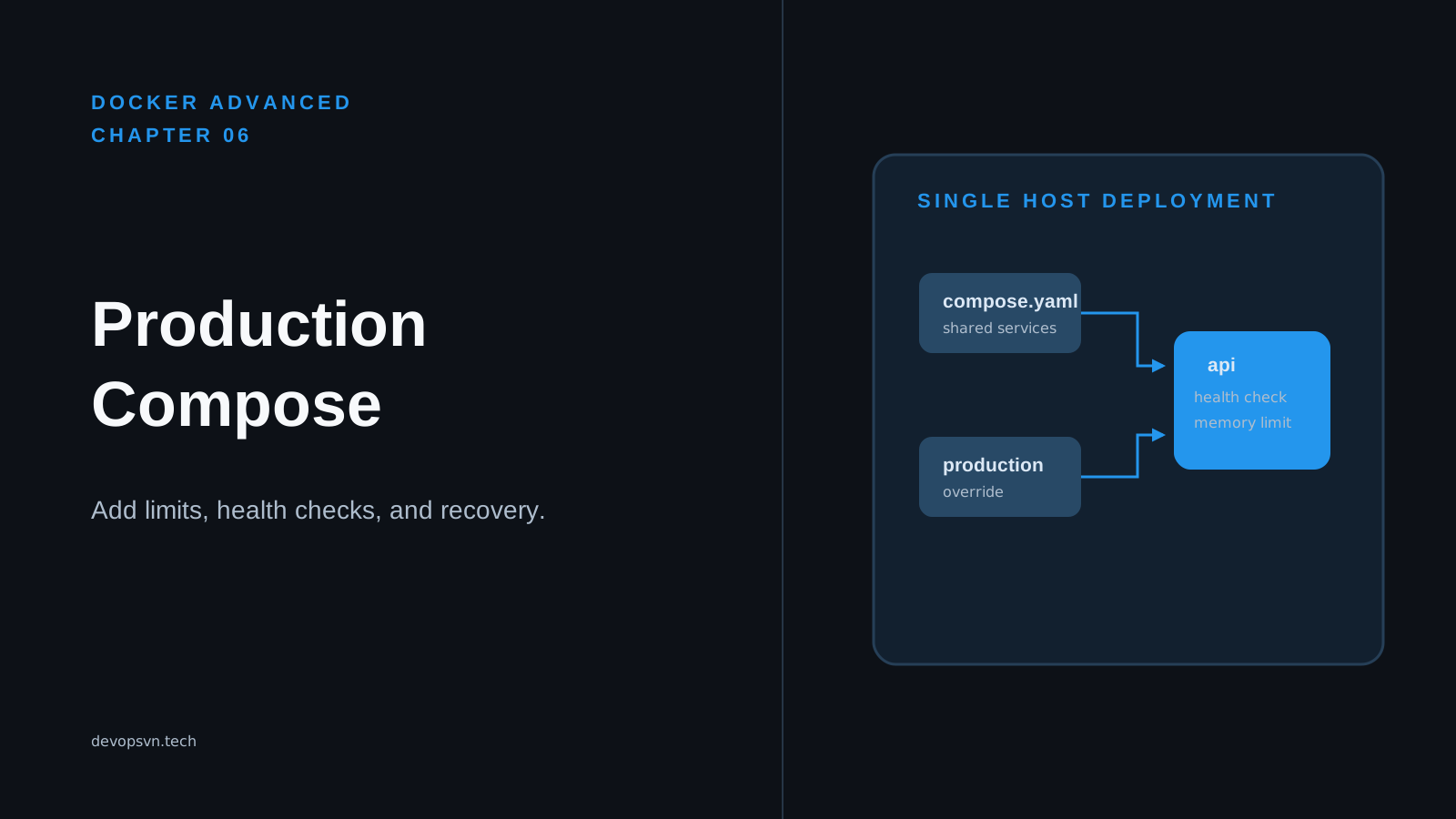
A Compose file that starts an API locally can omit the policies needed on a server. Without a restart rule, Docker can leave the service stopped after one process exit. Without a meaningful health check, an unhealthy API can remain running. Without resource limits, a traffic spike can let one container consume enough memory to destabilize the host.
Docker Compose is a tool for defining a group of related containers in YAML and starting them with one command. It is useful in production for a small service on one Docker host, but the convenient local file is not a production policy. A production policy says which exact image may run, what happens after failure, how Docker checks it, which paths may be writable, and how much of the host it can use.
In this chapter, you will merge a release base file with the checked-in production override, inspect the final configuration, and understand the operational decisions around it. The example is safe to render locally because docker compose config validates configuration without pulling its placeholder image or starting a container.
Code for this chapter. The complete production override is in 06-production-compose.
Start with the merged service
The example uses two files. The base file from Chapter 5 identifies a release by digest; the production override adds the rules for running it. From the repository root, render them in this order:
docker compose \
  -f _resource/docker-advanced/05-registries-and-tags/compose.yaml \
  -f _resource/docker-advanced/06-production-compose/compose.production.yaml \
  config
Compose reads files from left to right. Later values supplement or replace earlier values for the same service. The expected output has one api service with an image, restart, read_only, tmpfs, healthcheck, and deploy.resources.limits section. The image still contains the digest placeholder from the base file, which is intentional: this command checks YAML structure, not whether the example image exists.
Because the checked-in override also names image: ghcr.io/acme/task-api:1.4.0, the rendered example uses that tag. This is intentional for the resource, and it demonstrates why a deployment must put its digest reference in the last Compose file. Here is the shape the final configuration should have after a release pipeline applies a real release digest:
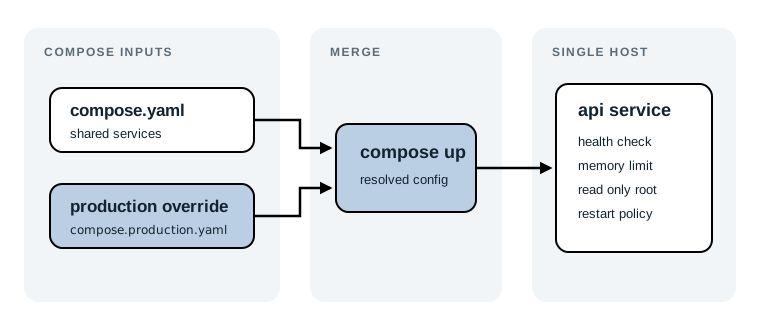
services:
  api:
    image: ghcr.io/your-account/task-api@sha256:your-release-digest
    restart: unless-stopped
    read_only: true
    tmpfs: /tmp
    healthcheck:
      test: ["CMD", "wget", "-qO-", "http://localhost:3000/health"]
      interval: 30s
      timeout: 5s
      retries: 3
    deploy:
      resources:
        limits:
          memory: 512M
          cpus: "1.0"
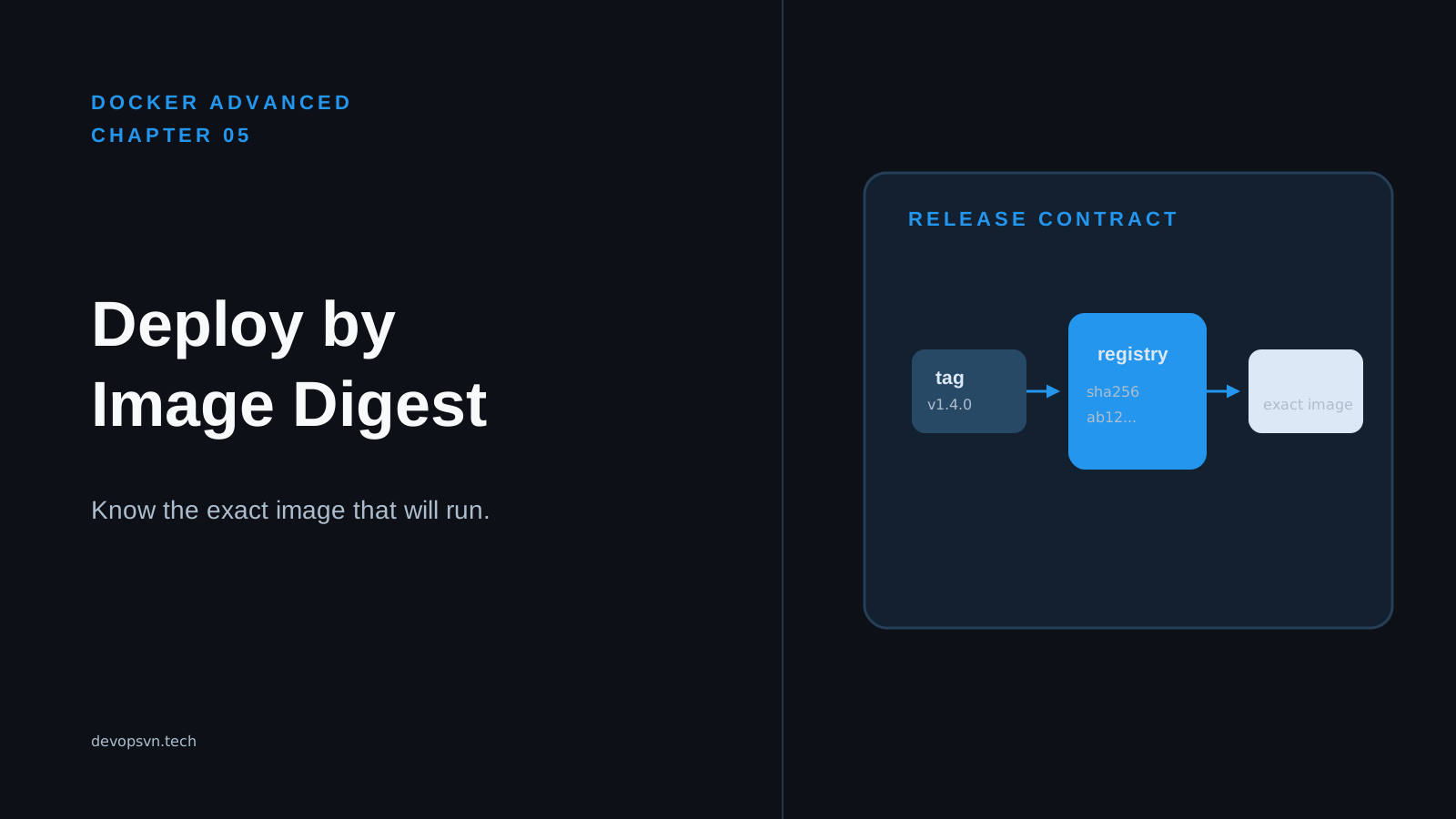
Use the complete digest returned by the registry, not the shortened example above. A digest pins the manifest that Docker pulls, so the replacement container receives the release you tested even if somebody later moves a version tag. Chapter 5 explains how to resolve and retain that digest; the rest of this chapter works without assuming you have read it.
Keep release identity separate from runtime policy
The base file contains only the deployment identity:
services:
  api:
    image: ghcr.io/acme/task-api@sha256:replace-with-release-digest
That narrow file is useful because release automation can update one reviewable value: the immutable image digest. It does not need to rewrite a larger production configuration and risk changing a health check or memory limit at the same time.
The override is the checked-in runtime policy:
services:
  api:
    image: ghcr.io/acme/task-api:1.4.0
    restart: unless-stopped
    read_only: true
    tmpfs: /tmp
    healthcheck:
      test: ["CMD", "wget", "-qO-", "http://localhost:3000/health"]
      interval: 30s
      timeout: 5s
      retries: 3
    deploy:
      resources:
        limits:
          memory: 512M
          cpus: "1.0"
The resource includes its own example image tag so it can also be used as a self-contained override. In a real release, do not let that tag replace the digest in the base file. Put the immutable image: repository@sha256:... in the last file supplied to Compose, or remove image from the override after copying it into your deployment repository. Later files win, so an override tag passed last silently weakens the release contract.
For this resource, the verification command puts the digest base first and the supplied override second. It proves the files merge, but its rendered image is the override’s visible :1.4.0 example. Before deployment, make the final effective file render a digest reference and inspect it:
docker compose \
  -f compose.yaml \
  -f compose.production.yaml \
  config | grep 'image:'
Expect a single image: line containing @sha256:. This small check catches the easy-to-miss file-order error before docker compose up creates anything.
Tip: Compose automatically reads
compose.yamland an optionalcompose.override.yamlin a directory. Pass production files explicitly with-f. It makes the server’s configuration visible in deployment scripts and prevents a developer’s local override from becoming an accidental production input.
Restart after a process failure
The override sets:
restart: unless-stopped
A restart policy tells Docker what to do when a container’s main process stops. unless-stopped restarts the service after an unexpected exit and also after Docker itself restarts, unless an operator explicitly stopped that container. This fits a long-running API that should return after a crash or host reboot.
Start the service only after replacing the example image with an image your host can pull:
docker compose \
  -f compose.yaml \
  -f compose.production.yaml \
  up -d
-d starts the service in the background. Expect Compose to create or recreate api, then return control to the shell. Check its current state with:
docker compose \
  -f compose.yaml \
  -f compose.production.yaml \
  ps
The STATUS column should show the service running. A restart policy is recovery, not proof that the program is healthy. A process that exits immediately can restart repeatedly; inspect docker compose logs api and repair the application or configuration that made it exit instead of treating a restart loop as availability.
always is a stricter alternative that also starts a manually stopped container when Docker restarts. on-failure restarts only after a non-zero exit code. Choose the rule that matches your operations: unless-stopped gives an operator a durable way to keep a service down during maintenance, while still recovering from ordinary crashes.
Make health meaningful
The healthcheck asks the process inside the container whether the API responds on its own loopback address:
healthcheck:
  test: ["CMD", "wget", "-qO-", "http://localhost:3000/health"]
  interval: 30s
  timeout: 5s
  retries: 3
test is the command Docker runs in the container. wget -qO- returns success when the endpoint returns a successful HTTP response. Docker runs it every 30 seconds, ends one attempt after five seconds, and marks the container unhealthy after three consecutive failures. The application image must contain wget; use another installed HTTP client, or add a small dedicated health-check binary during the image build if it does not.
After the service is running, ask Compose for its state:
docker compose \
  -f compose.yaml \
  -f compose.production.yaml \
  ps
After the first successful check, expect healthy in the status. That result means the command succeeded inside the container. It does not prove a load balancer can reach the published port, that a database query works, or that every dependency is available. Keep this endpoint cheap and local: return success only when the service can safely receive a request, not after a slow report or a network call to every dependency.
There is a tradeoff. A shallow check such as “the process has a TCP port” can declare a wedged application healthy. A deep check that calls a database and several remote services can mark a good API unhealthy during somebody else’s brief outage. Start with the API’s own readiness and add a dependency only when accepting traffic without it would definitely fail.
Restrict where the service can write
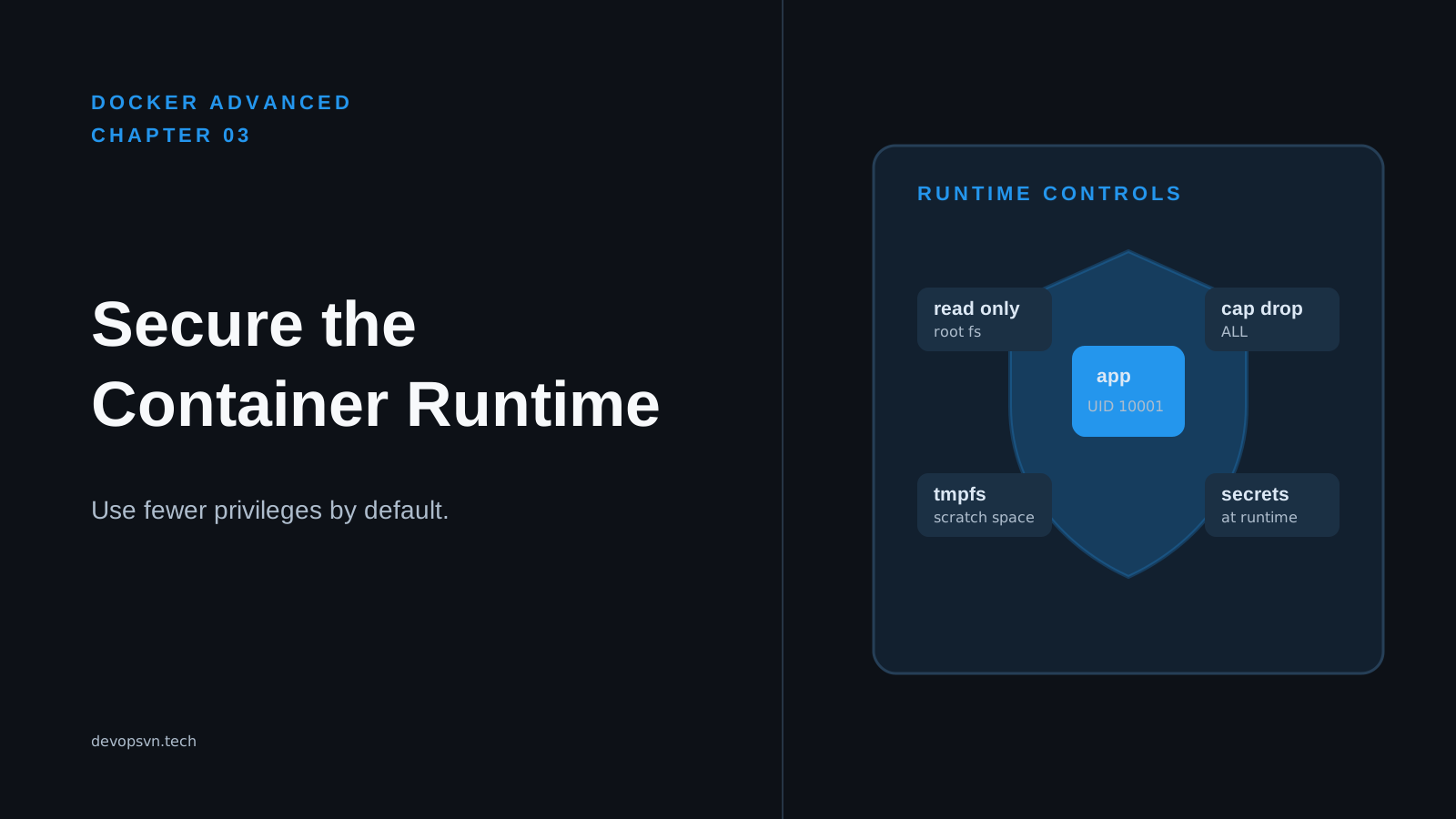
Production containers should not need to modify their application code. The override applies the same filesystem boundary introduced in the runtime-security chapter:
read_only: true
tmpfs: /tmp
read_only: true makes the image’s root filesystem read-only. The API can read its program and installed dependencies but cannot alter them during a request. tmpfs: /tmp gives it one writable temporary directory backed by host memory. Files there disappear when the container stops.
The expected result is a deliberate split: temporary scratch files can be written below /tmp, while writes to application paths fail. That failure is useful. If the application tries to write /app/cache and exits with Read-only file system, inspect the path and decide what the data is. A temporary cache can move to /tmp; durable uploads need external object storage or a named volume; generated application files usually belong in the image build.
Do not turn off read_only merely to make that error disappear. It hides whether the data is temporary or persistent and gives a compromised process a wider place to leave files. Also remember that tmpfs uses memory. Do not place uploads, database files, or anything that must survive a restart in /tmp.
Put a ceiling on host resources
The resource limits are:
deploy:
  resources:
    limits:
      memory: 512M
      cpus: "1.0"
The memory limit allows this container to use at most 512 MiB. If it exceeds that ceiling, the Linux kernel can terminate it with an out-of-memory error. The CPU limit gives it up to one CPU’s worth of scheduling time. These are limits, not reservations: they protect the host from this service, but they do not guarantee capacity when several containers compete.
Render the configuration before deploying it:
docker compose \
  -f _resource/docker-advanced/05-registries-and-tags/compose.yaml \
  -f _resource/docker-advanced/06-production-compose/compose.production.yaml \
  config
Expect the rendered output to include memory: 512M and cpus: "1.0" below deploy.resources.limits. Current Docker Compose applies compatible resource limits when it creates local containers. Verify the Docker Compose version installed on the actual host, because older Compose implementations did not apply every deploy field outside Docker Swarm.
Start with a limit based on measurement, not a guess carried from a laptop. Watch normal memory use, peak request load, and startup behavior. If the service restarts under load and docker compose logs api shows an abrupt stop, inspect host kernel logs for an out-of-memory kill. Raising the limit may be correct, but first check for a memory leak, an unbounded request body, or a cache that belongs outside the process.
Update and roll back deliberately
Compose is an imperative deployment tool: when you run docker compose up -d, it compares the desired configuration with existing containers and recreates services whose configuration or image changed. A practical release sequence is:
- Build and publish the new image, then record its full registry digest.
- Update the production image reference to that digest and render the final two-file configuration.
- Run
docker compose up -don the host, then checkdocker compose psand application logs until the health check is healthy. - Keep the previous digest in the release record until the rollback window expires.
If the new release fails, restore the prior digest in the deployment file and run the same docker compose up -d command. Docker recreates the service from the earlier manifest. This is a rollback only while the registry retains that digest and the service’s state remains compatible. A schema migration, for example, may require a separate backward-compatible database plan; changing the image alone cannot reverse data changes.
For a single-host Compose deployment, this update briefly replaces the running container. It is not a rolling deployment across replicas. If an API cannot tolerate that interruption, place it behind a load balancer with more than one host, or use an orchestrator that supports rolling updates and readiness-aware traffic changes. Compose remains a sensible choice when one host and a short maintenance window match the service’s needs.
Back up state somewhere else
The example has no persistent volume. That is good for a stateless API: the image is reproducible, temporary files vanish at restart, and durable state belongs in a managed database or object store. It is not a backup strategy by itself.
When a Compose service does have a named volume, decide where its data lives and how to restore it before calling the deployment production-ready. Back up a database using its database-aware backup tool and test a restore on a separate machine. Back up file content to object storage or another host, encrypt it where appropriate, and record the recovery steps. Copying a live database’s volume from the Docker host can capture inconsistent data unless the database is stopped or its documented snapshot procedure makes that copy safe.
The tradeoff is straightforward. Keeping state off the Compose host adds managed-service cost or backup operations, but it lets you replace the host without losing data. Keeping everything on one server is simpler at first, but a disk failure, mistaken docker volume rm, or failed restore turns a container update into a data-loss incident.
Summary
- Docker Compose defines related container services in YAML; a production configuration needs explicit policy beyond the file that is convenient for local development.
- Merge a base release file and a production override with ordered
-foptions, then render the result withdocker compose configbefore starting it. - Use a digest for the final image reference,
unless-stoppedfor crash recovery, and a focused health endpoint to make container state visible. -
Make the root filesystem read-only, provide only intentional temporary storage with
tmpfs, and measure before choosing CPU and memory ceilings. - Keep rollback digests long enough to use them, and keep durable state and tested backups off the disposable application container.
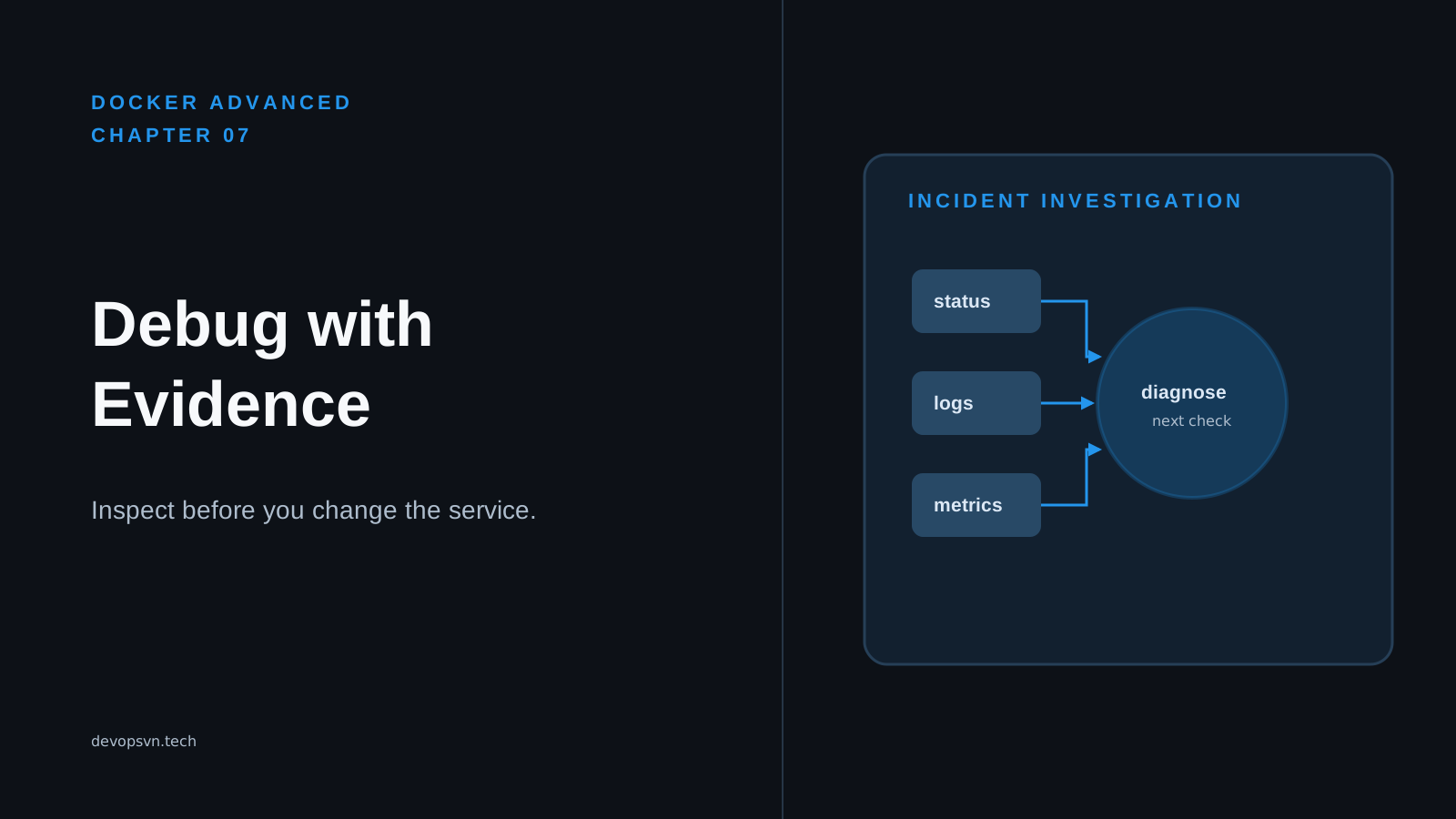
Chapter 7 covers container logs, events, inspection, and the first checks used to diagnose a service that is not running as expected.