


What Is Argo CD?
Argo CD is an open-source tool designed to support the GitOps workflow for deploying applications on Kubernetes. Argo CD is applied in the CD (Continuous Delivery) step of the CI/CD flow — this is the step where we deploy the application to the server environment.
Argo CD uses Git repositories as the primary source of truth to determine the desired application state, which is why it’s called a GitOps tool. In this series we use Argo CD to deploy the Microservice Book Info application below.
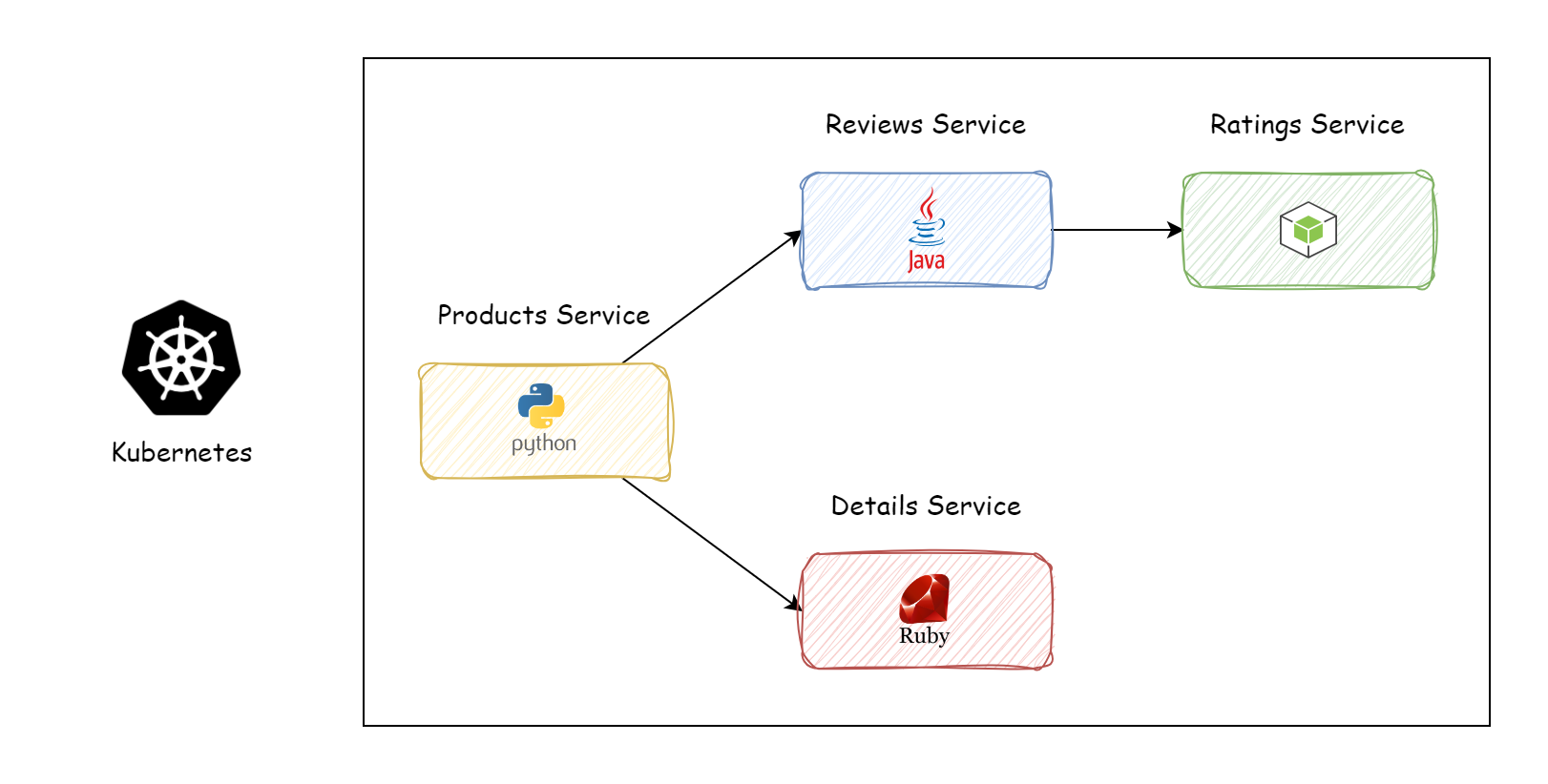
In this first post, we’ll learn how to install Argo CD and use the simplest way to deploy the Book Info application.
Installing Argo CD
Create a namespace for argocd and install it:
kubectl create namespace argocd
kubectl apply -n argocd --server-side -f https://raw.githubusercontent.com/argoproj/argo-cd/stable/manifests/install.yaml
Check that the installation succeeded:
kubectl get pods -n argocd
NAME                                                READY   STATUS    RESTARTS   AGE
argocd-application-controller-0                     1/1     Running   0          3m39s
argocd-applicationset-controller-744b76d7fd-xgk2d   1/1     Running   0          3m39s
argocd-dex-server-5bf5dbc64d-w8vdx                  1/1     Running   0          3m39s
argocd-notifications-controller-84f5bf6896-5mdbg    1/1     Running   0          3m39s
argocd-redis-74b8999f94-zmm5b                       1/1     Running   0          3m39s
argocd-repo-server-57f4899557-vxcrf                 1/1     Running   0          3m39s
argocd-server-7bc7b97977-nclk6                      1/1     Running   0          3m39s
Install the Argo CD CLI to interact with Argo CD. On Mac, Linux, or WSL, run:
brew install argocd
For Windows, see the CLI installation documentation. Access the Argo CD UI:
kubectl port-forward svc/argocd-server -n argocd 8080:443
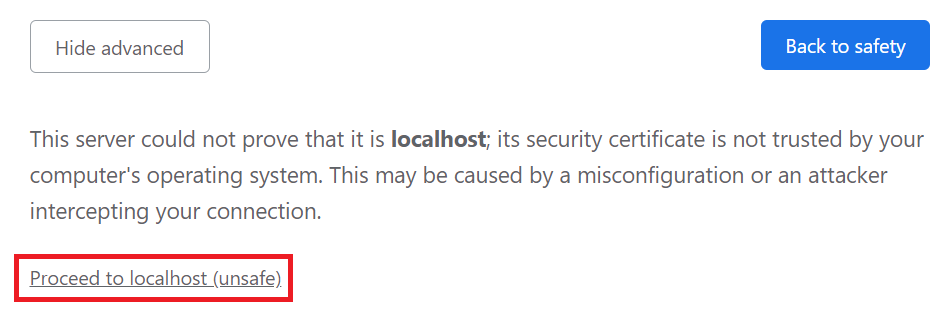
Because we’re running on localhost, the website reports “unsafe”; click “proceed to localhost (unsafe)”:
The login UI:
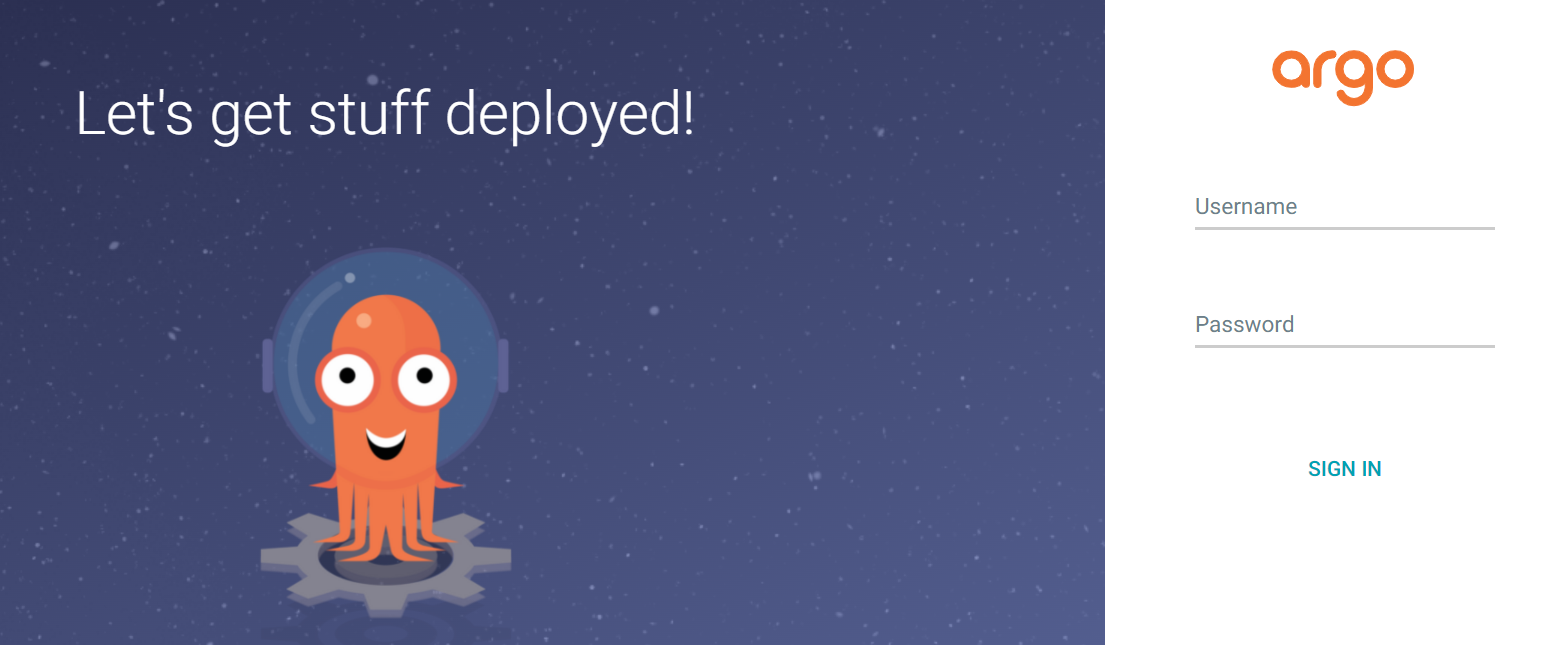
The default Argo CD account is admin. To get the password, run:
kubectl -n argocd get secret argocd-initial-admin-secret -o jsonpath="{.data.password}" | base64 -d
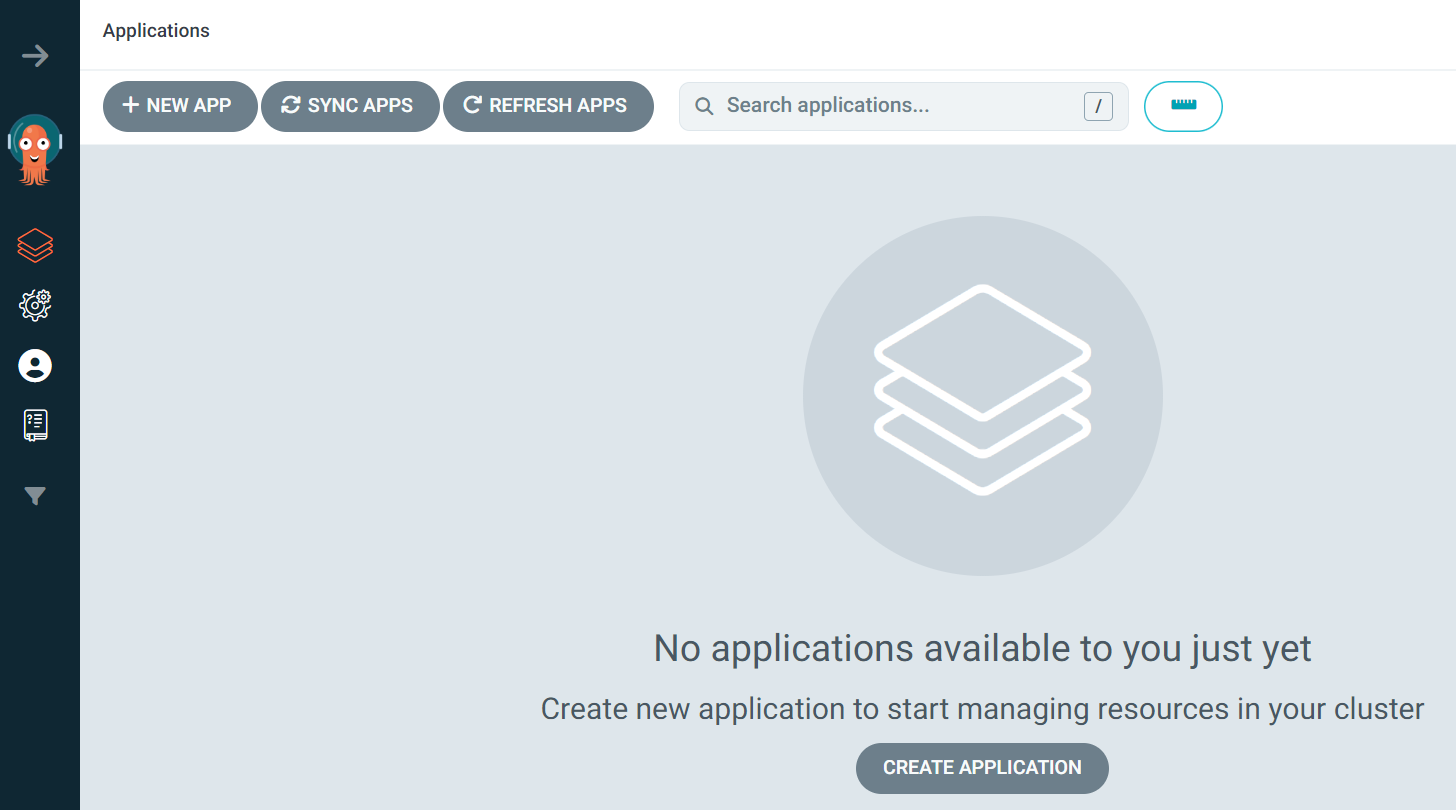
The UI after logging into Argo CD:
Deploying the Book Info Application
Book Info consists of the following services:
- Products Service
- Details Service
- Reviews Service
- Ratings Service
To deploy an application on Argo CD, we need to create an Application (explained in detail in the next post). Click the + New App button in the UI.

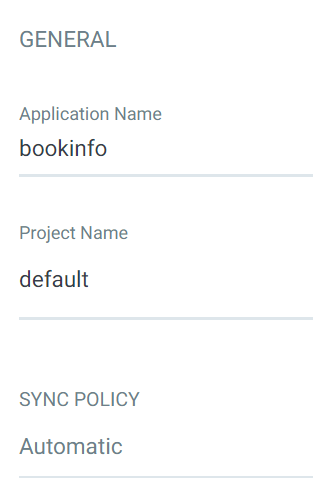
Enter bookinfo as the application name, choose default for the project, and set
the sync policy to Automatic. Leave the SYNC OPTIONS at their defaults for now.
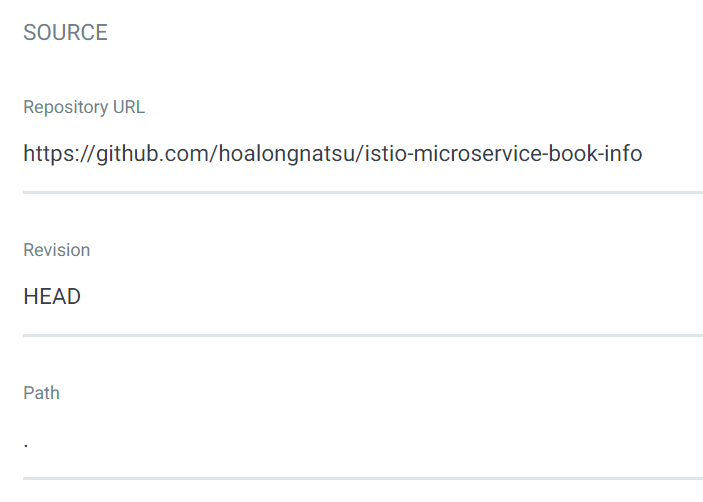
The Repository URL field is where we connect to Git, which holds the Kubernetes
resource files we want to deploy. Use this repo
devops-vn-blog — the Book Info
manifests live under _resource/argocd-series/01-getting-started/bookinfo. It’s a
public repo that anyone can access; in the next post I’ll show how to connect
to a private repo. For the Path, enter _resource/argocd-series/01-getting-started/bookinfo:
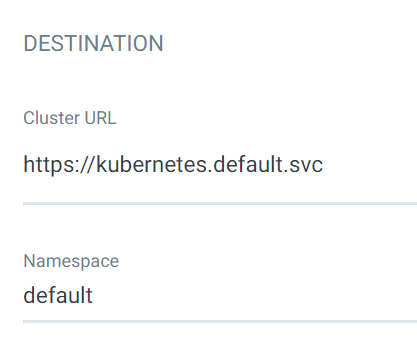
For Destination, enter https://kubernetes.default.svc and choose the namespace
to deploy to — mine is default.
Click the Create button.

Wait for Argo CD to deploy the application.
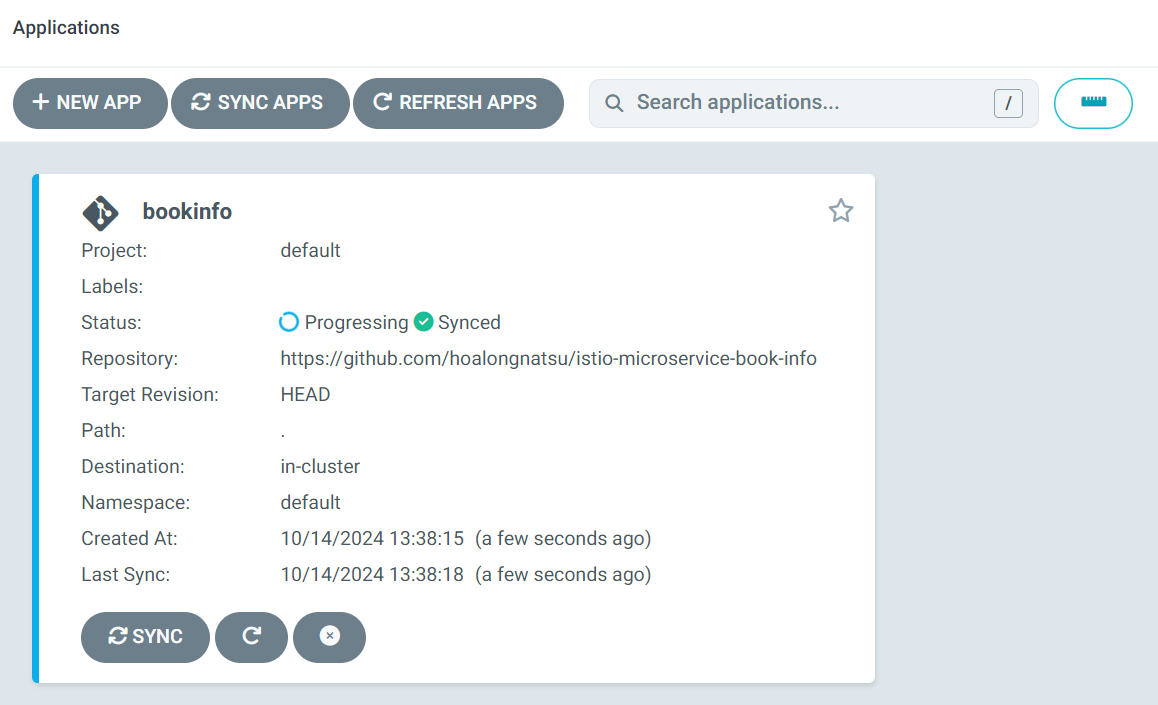
Once the status changes to synced, the bookinfo application has been deployed to the Kubernetes environment successfully. Click on the app.
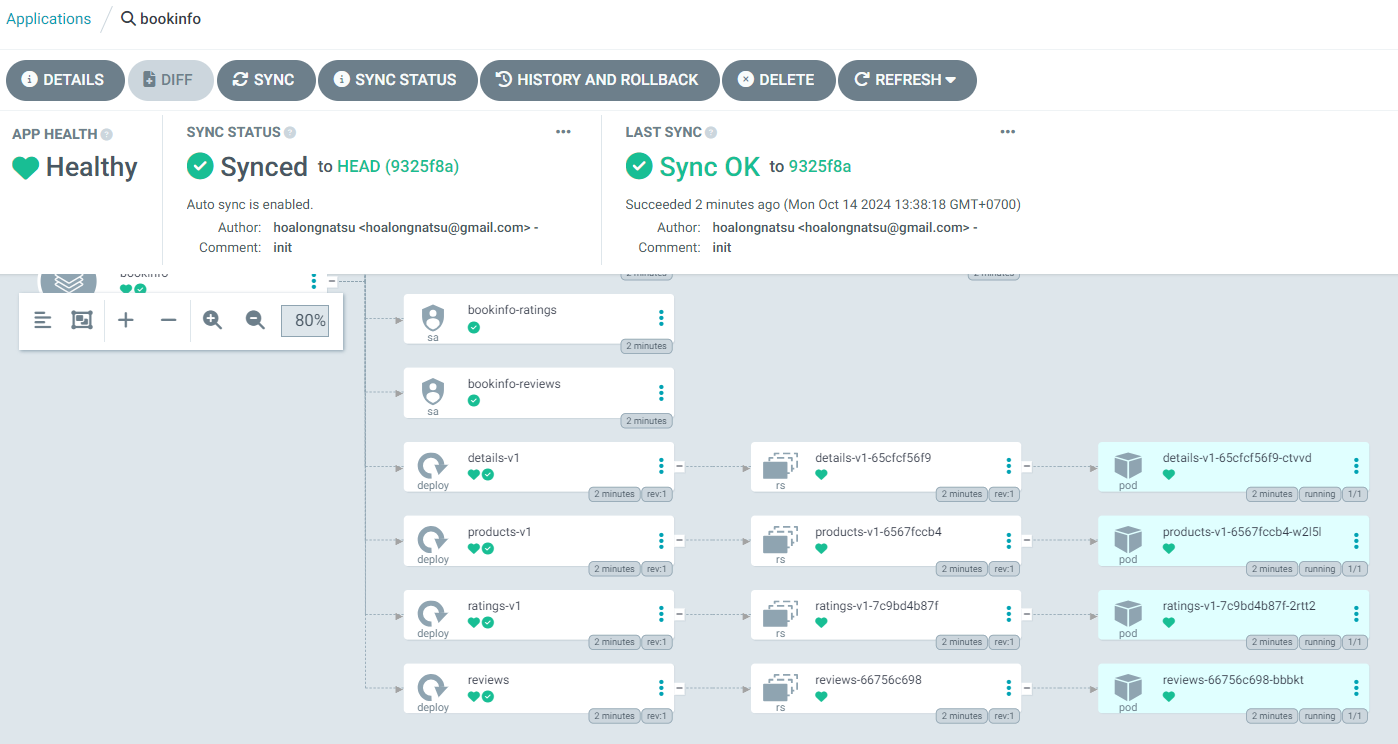
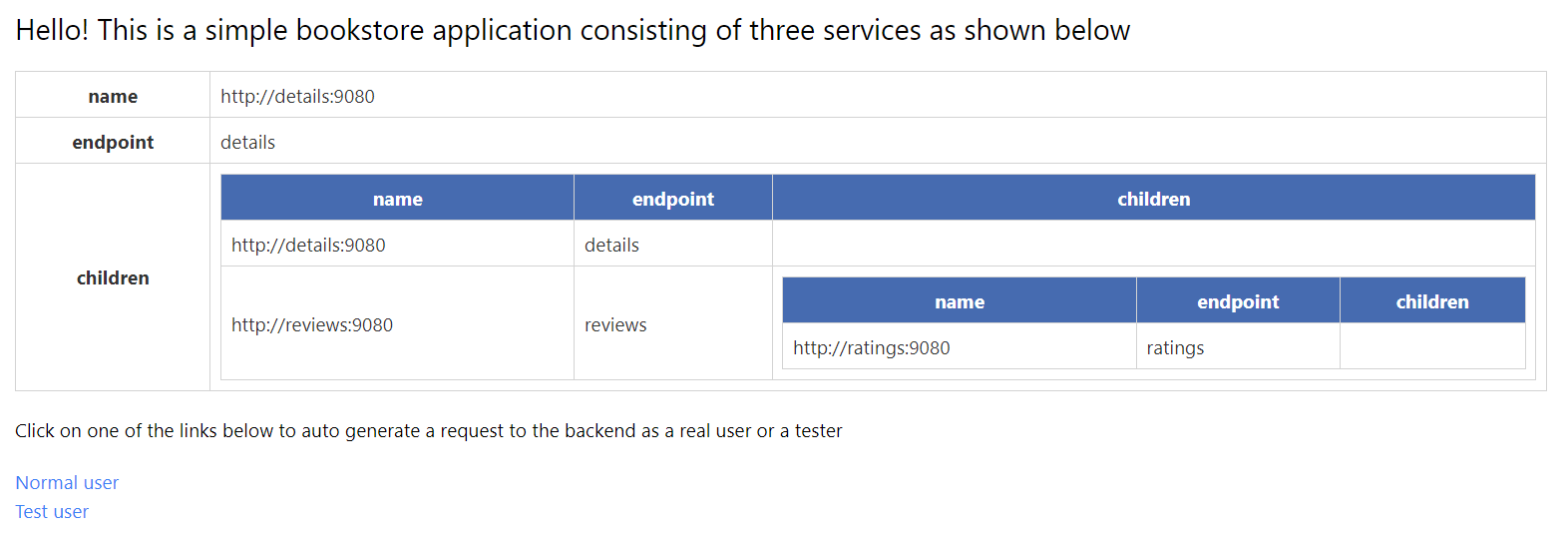
The services we defined in YAML files and stored in Git have been deployed to Kubernetes by Argo CD. To check, open the Products page:
kubectl port-forward svc/products 9080:9080
In this post, we successfully deployed the Book Info microservice application the simple way. In the next post, we’ll go deeper into Argo CD concepts and apply them to deploy applications more professionally and effectively.





