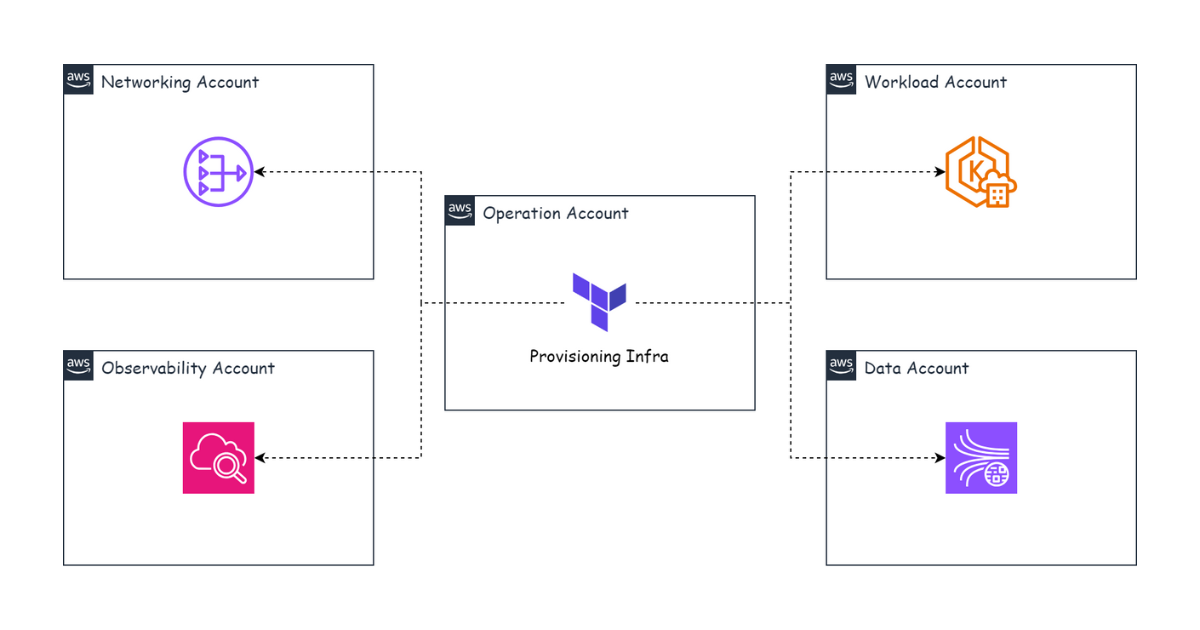
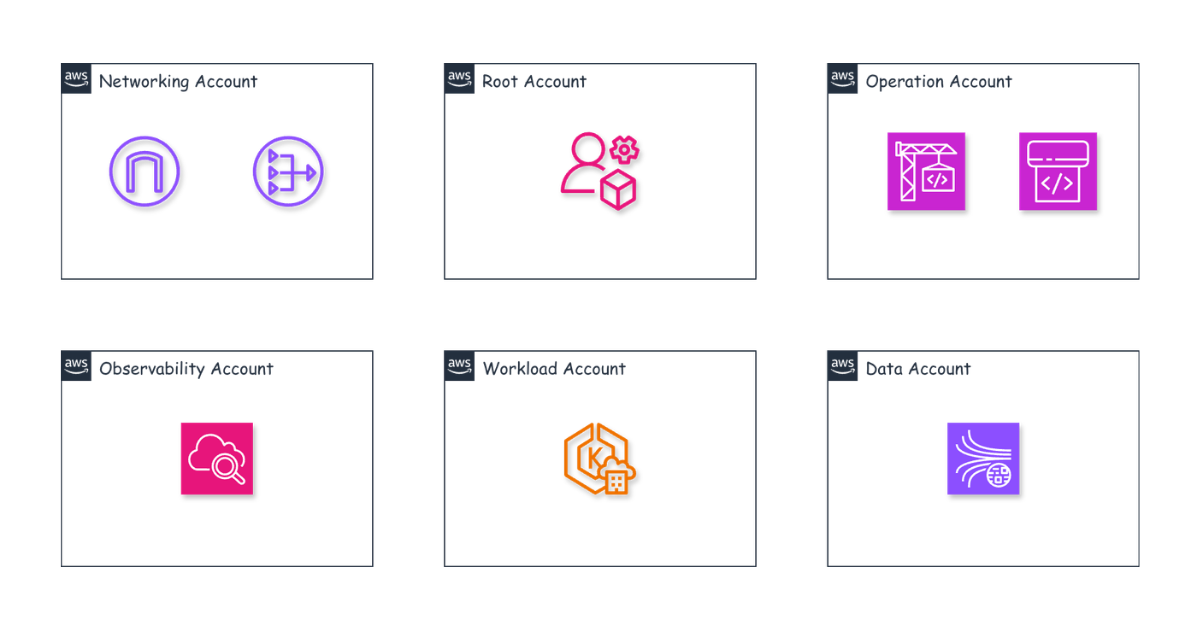
This part covers how different EKS clusters communicate with each other. A few important questions: How does a Pod in one EKS cluster call a Pod in another EKS cluster? Ingress or the Gateway API? Internal DNS across different AWS accounts? And how do we route external users’ traffic into our system?
Pod-to-Pod communication across Kubernetes clusters
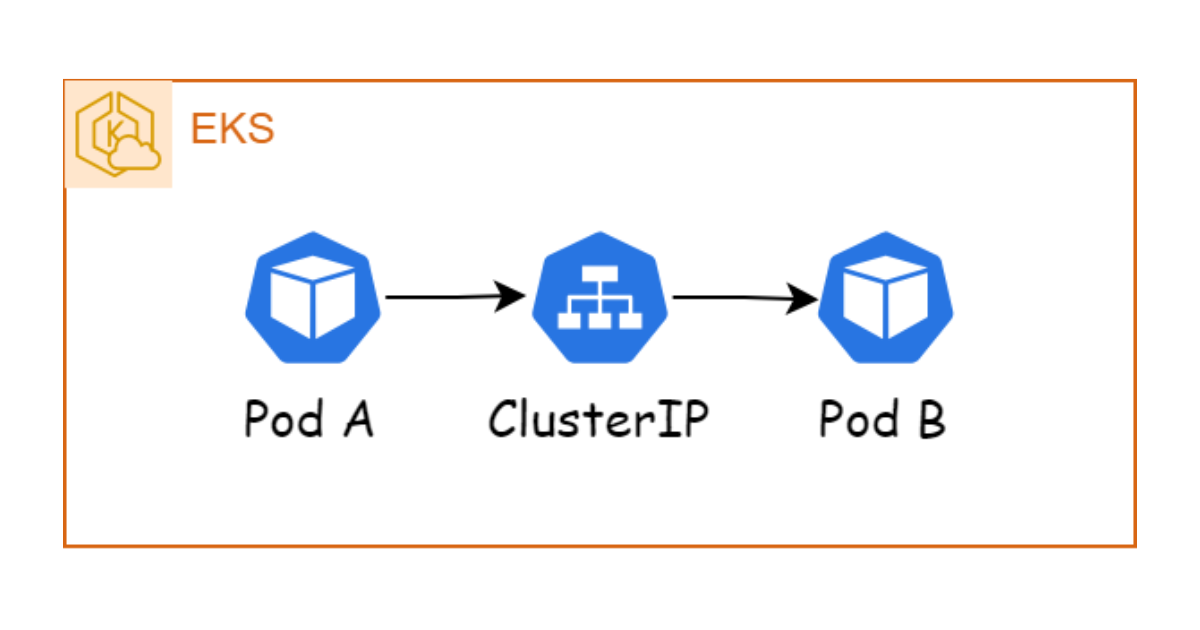
In Kubernetes, to communicate between Pods within a single cluster, we typically use a Service of type ClusterIP.
Then, to let something outside call into a Pod inside the cluster, we typically use a Service of type LoadBalancer or an Ingress.
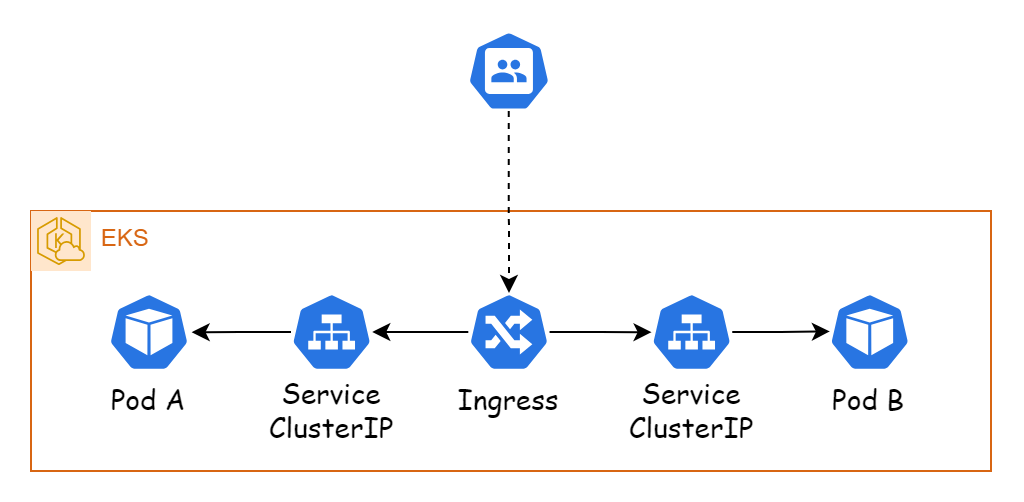
So for a Pod in one cluster to call a Pod in another cluster, the simplest approach is to deploy an Ingress on each cluster. When a Pod in one cluster needs to call a Pod in another, it calls the Ingress, and we configure the Ingress to route the traffic into the target Pod.
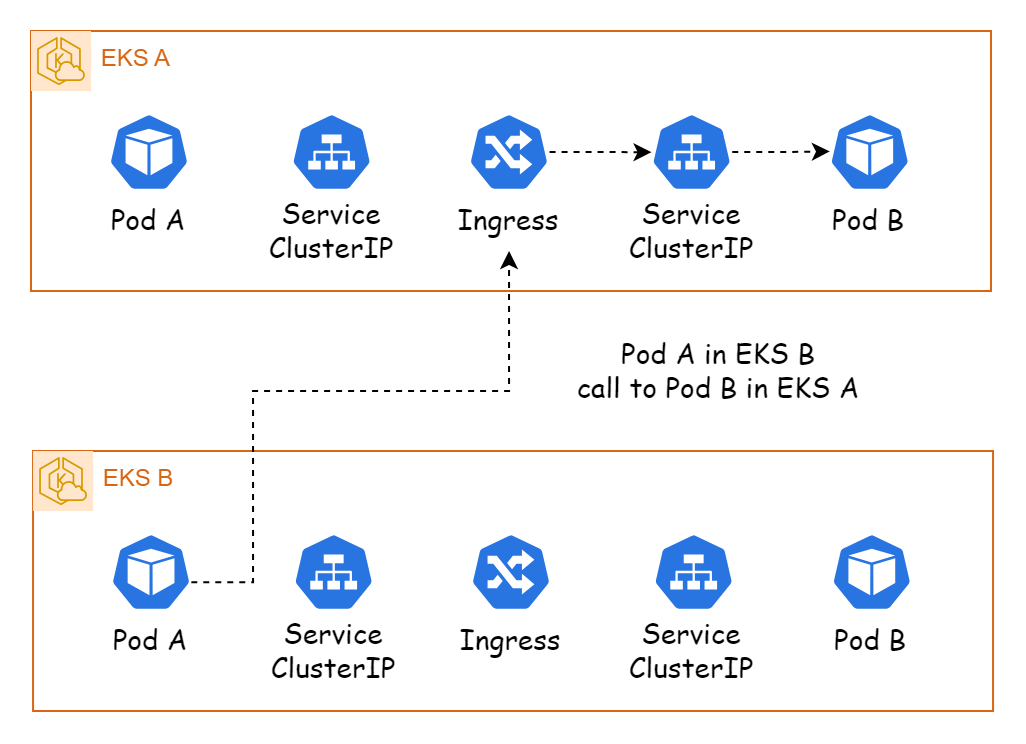
Ingress and the Gateway API
Ingress is the common way to manage external access to services running inside a Kubernetes cluster. However, it has a limitation: it only supports Layer 7 protocols such as HTTP and HTTPS; it does not support Layer 4 protocols such as TCP and UDP. So if you need to route TCP and UDP traffic, you need a Service of type Network Load Balancer.
EKS version 1.24 and above introduced the Gateway API, which supports both Layer 7 (HTTP and HTTPS) and Layer 4 (TCP and UDP) protocols. The Gateway API consists of GatewayClass, Gateway, and HTTPRoute to manage access into Kubernetes, similar to Ingress.
Note: The Gateway API is different from an API Gateway.
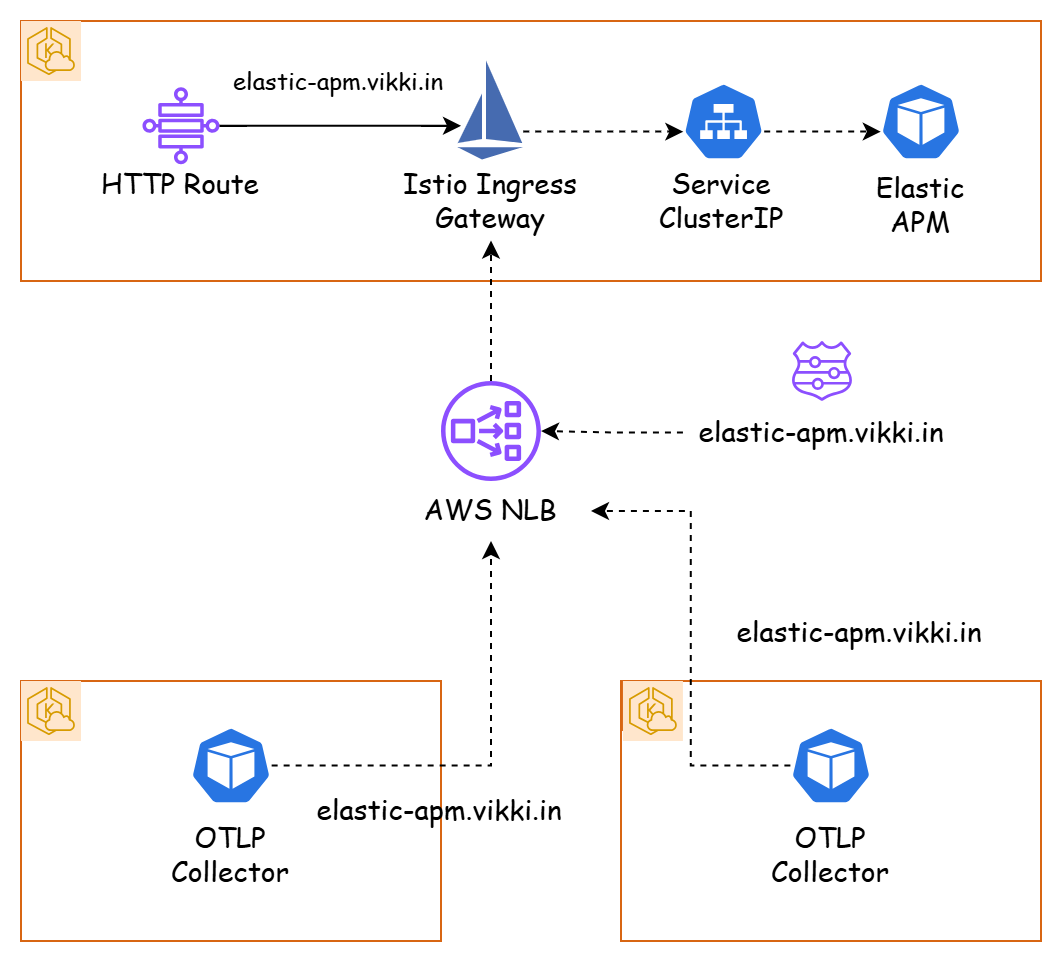
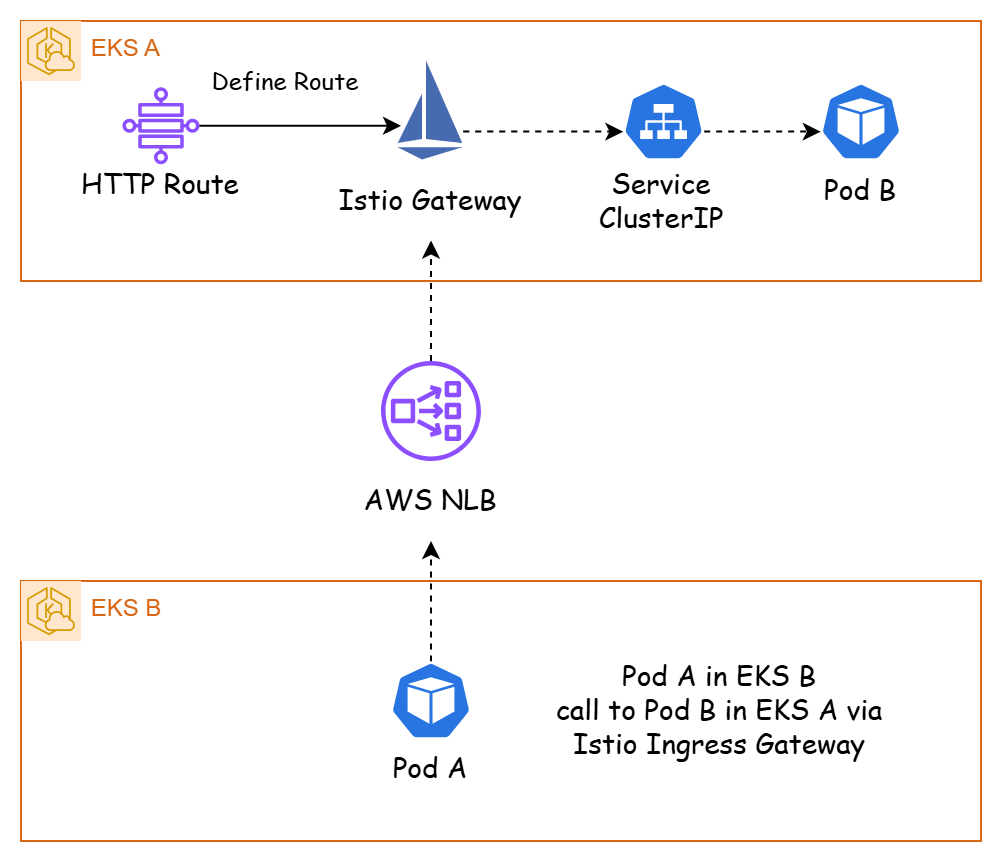
The Vikki system uses Istio to define gateways for communication between Kubernetes clusters instead of Ingress. When we deploy an Istio Gateway on EKS, it is deployed as an AWS Network Load Balancer.

Now, when communicating, a Pod calls the NLB and the request is routed by the Istio Gateway into a specific Service.
DNS mapping
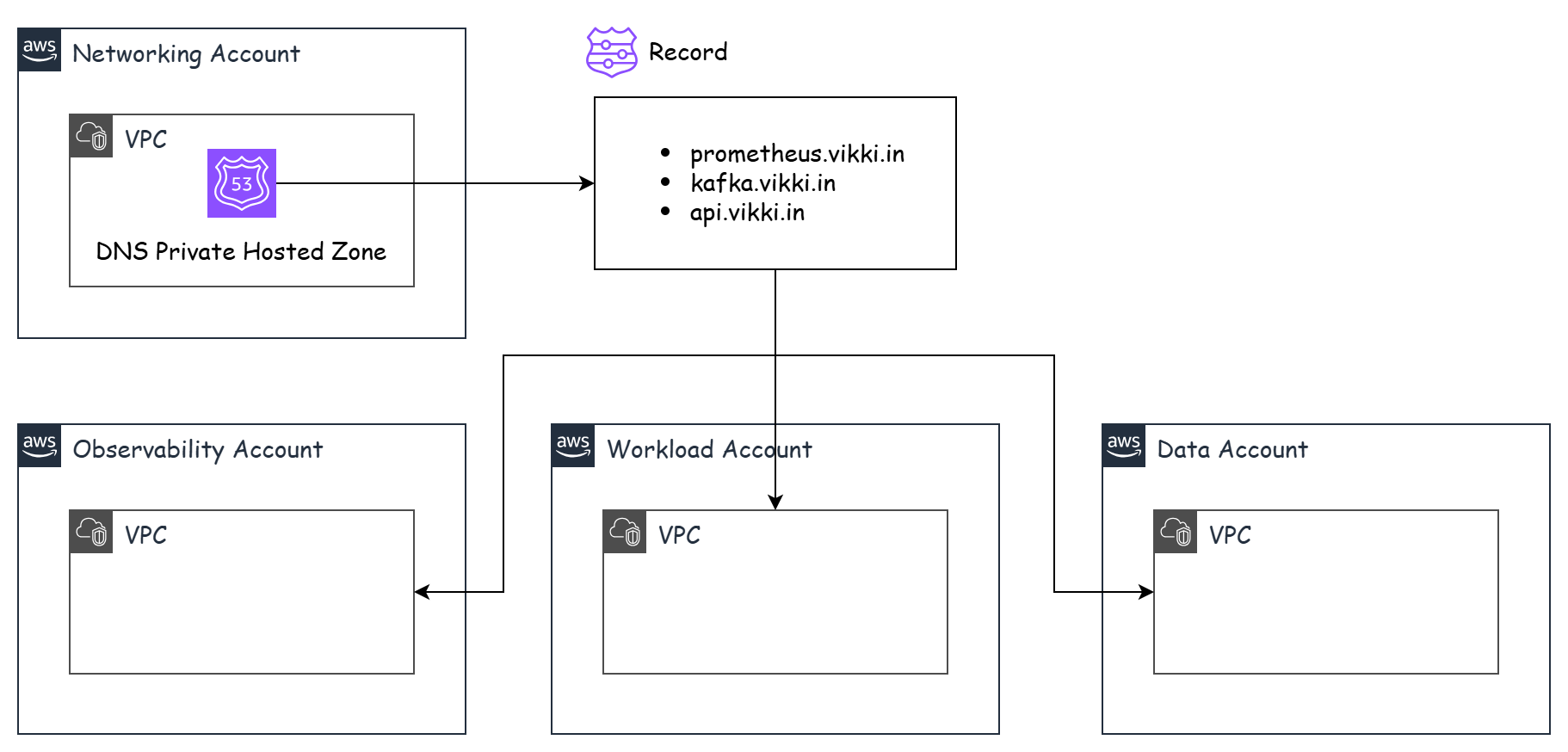
An AWS Network Load Balancer (NLB) uses a long, unfriendly default domain name, so creating a custom domain and pointing records at each NLB is essential for easy management and configuration. In particular, when working with NLBs between Amazon EKS clusters, this domain must be configured as private so it can only be resolved inside the internal network between VPCs. To do this, we use a DNS Private Hosted Zone.
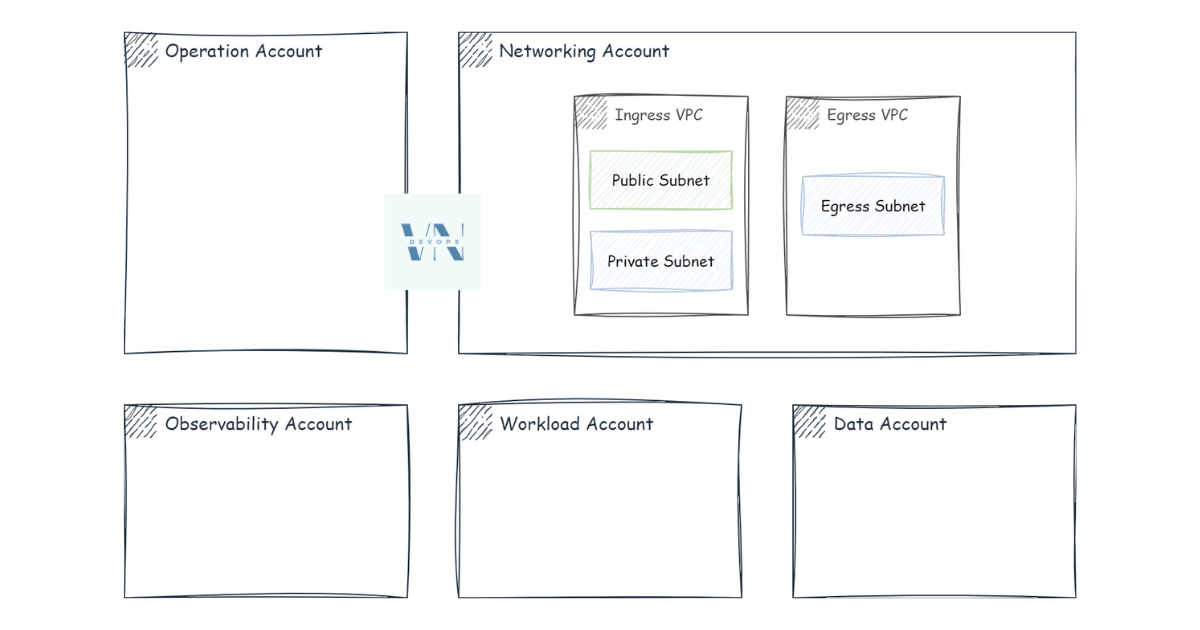
In the Networking for Multiple AWS Accounts part, we mentioned that all network management should be done in the Network account. Therefore, the DNS Private Hosted Zone should be created in that account. AWS lets you associate a Private Hosted Zone with one VPC and then extend it to many other VPCs, simplifying domain management for internal services.
Overview
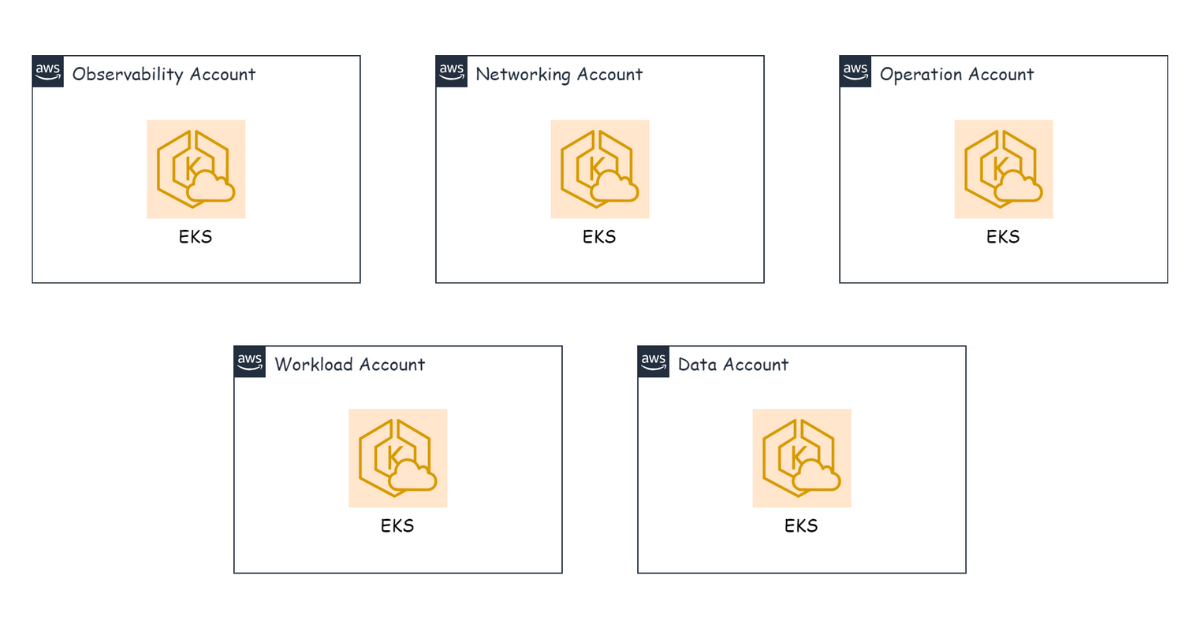
To make this easier to picture, here is an example of deploying tracing with OpenTelemetry (OTLP) and Elastic APM. In this scenario, Elastic APM is deployed on the EKS of the Observability account, while the OpenTelemetry Collector (OTLP Collector) is deployed on the EKS of the various accounts. The goal is to send tracing data from the OTLP Collector to Elastic APM in the Observability account’s EKS.
First, we define a route to send requests from the Istio Gateway into Elastic APM in the Observability account’s EKS using an Istio Virtual Service:
apiVersion: networking.istio.io/v1
kind: VirtualService
metadata:
  name: elastic-apm
spec:
  hosts:
  - elastic-apm.vikki.in
  http:
  - route:
    - destination:
        host: elastic-apm
Next, in the DNS Hosted Zone, we point the domain at the NLB.
elastic-apm.vikki.in -> NLB
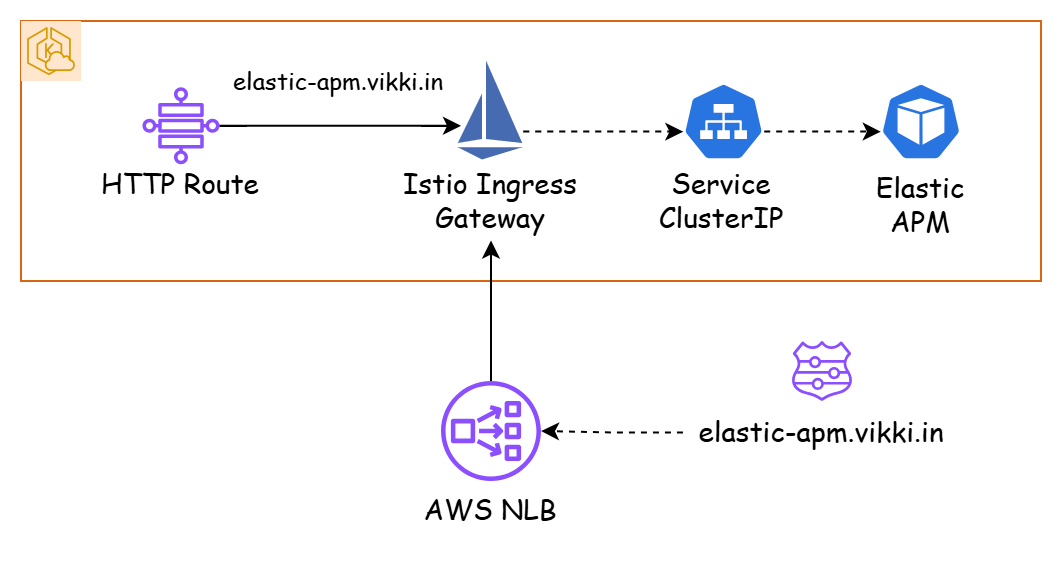
Now the OTLP Collector in the other accounts’ EKS uses the domain elastic-apm.vikki.in to communicate with Elastic APM in the Observability account’s EKS. And because that domain is private, it can only be resolved inside the VPC — meaning anything outside the VPC cannot access or resolve this domain.