To deploy banking infrastructure on AWS, the first thing we need to do is decide how to organize and manage our AWS accounts. Should we use a single account or multiple AWS accounts? If multiple, on what criteria do we create them? And how do we manage many accounts at once?
One account or many?
AWS recommends that large-scale enterprises deploy their systems using a Landing Zone model with several different AWS accounts. The purpose of creating multiple accounts is to avoid hitting AWS Service Quotas, to prevent a single compromised account from affecting the whole system, and to make AWS billing easier to manage. For a banking system, we should choose to deploy the infrastructure across multiple AWS accounts.
What criteria do we use to create accounts?
A common approach is to create accounts based on environments and on the common components found in a software system.
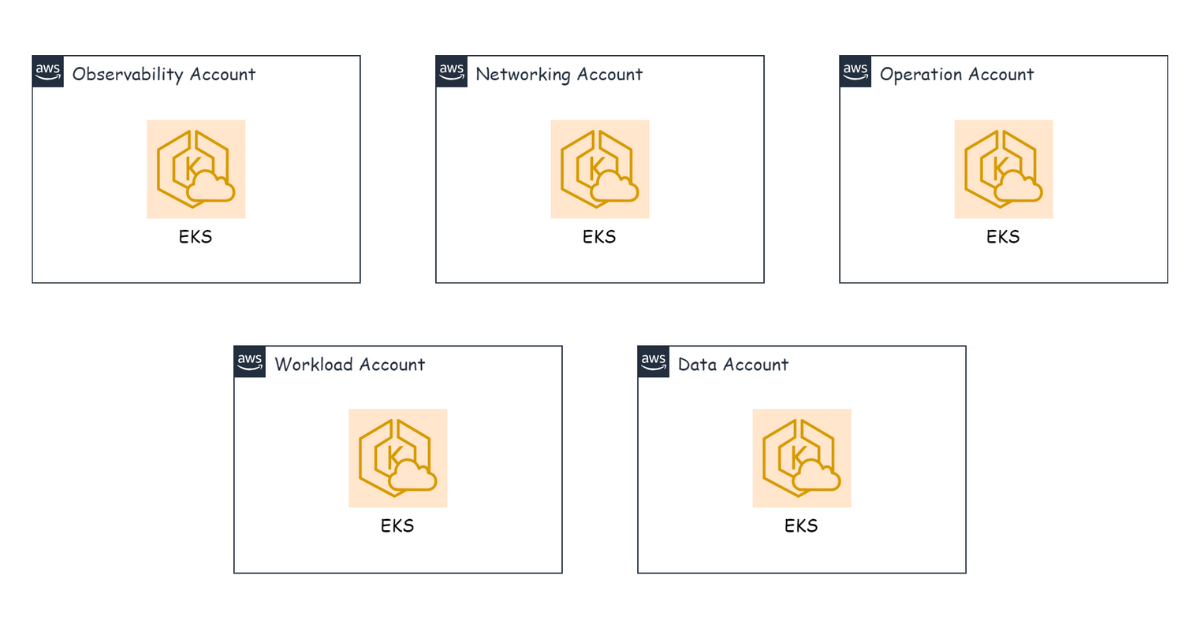
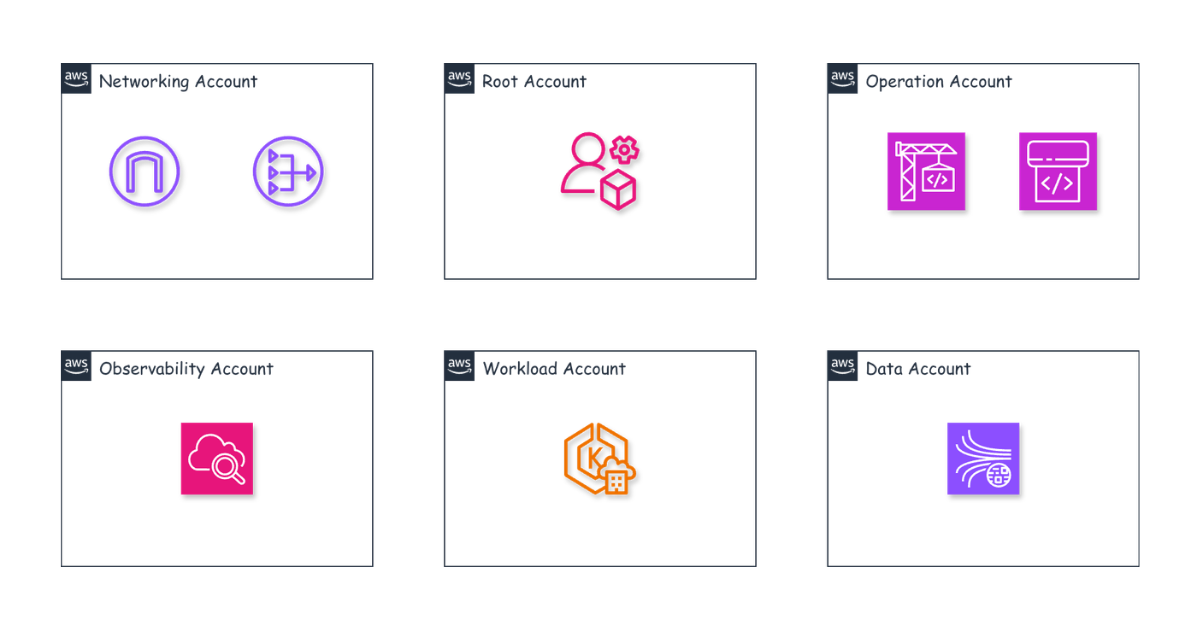
For example, when developing a product we typically have DEV, UAT, STAGING, and PROD environments. Environments such as DEV, UAT, and STAGING can be grouped together as the nonprod environment. The common components of a system, meanwhile, include Networking, Workload, Operation (CI/CD), Monitoring, Logging, and the Data System.
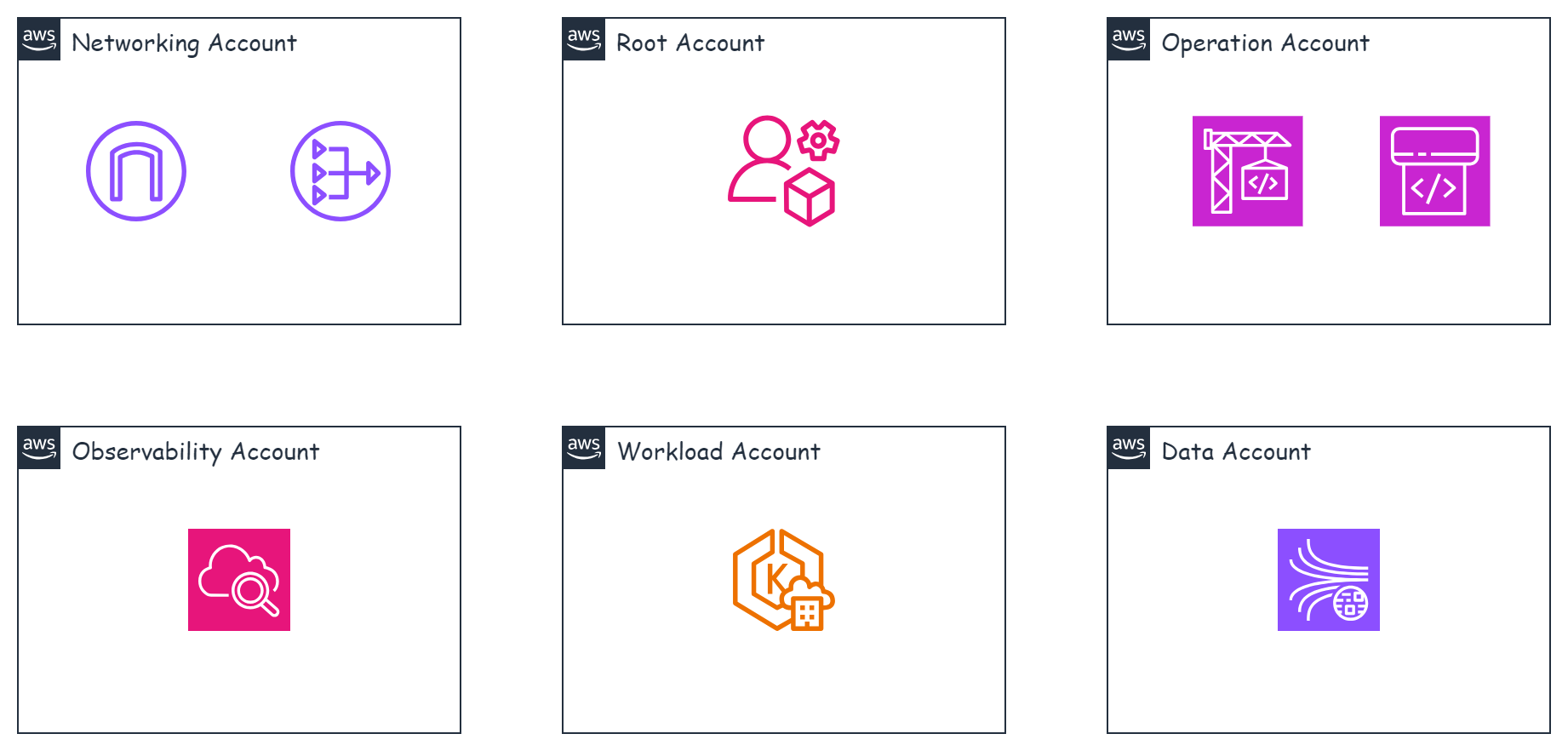
So we can create accounts with names like the following (nonprod is used for all non-production environments):
- networking-nonprod
- workload-nonprod
- operation-nonprod
- observability-nonprod
- data-nonprod
- networking-prod
- workload-prod
- operation-prod
- observability-prod
- data-prod
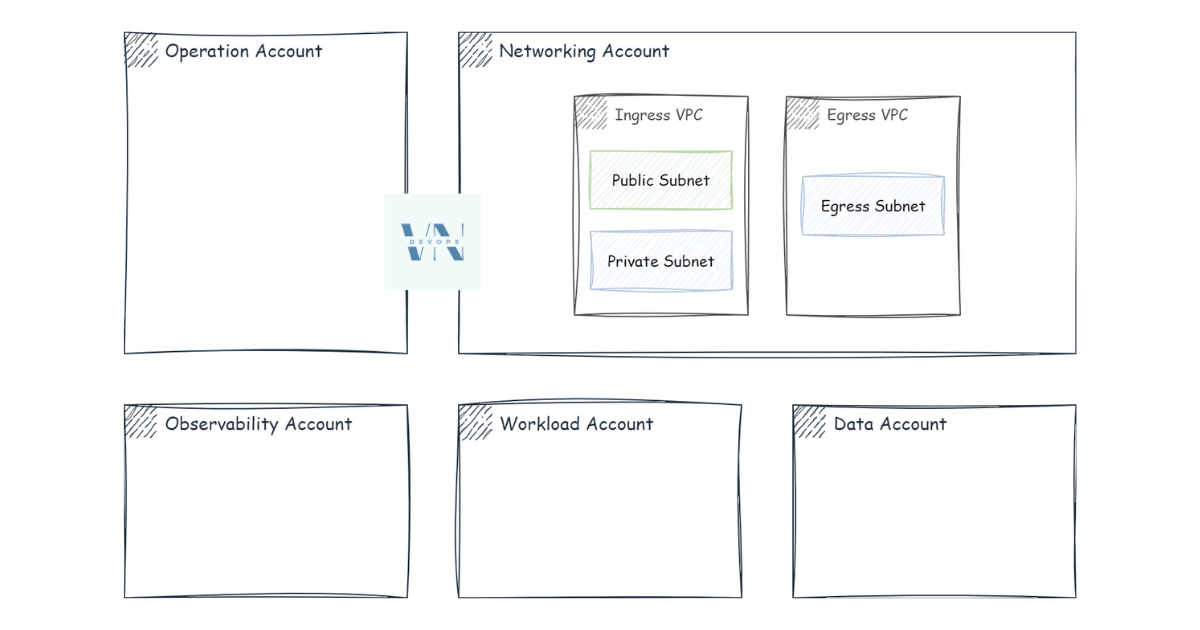
Networking manages inbound and outbound traffic — every request in and out must pass through the networking account first before going anywhere else. The goal is to be able to trace every request entering and leaving the system.
Workload is used to deploy applications, databases, and caches.
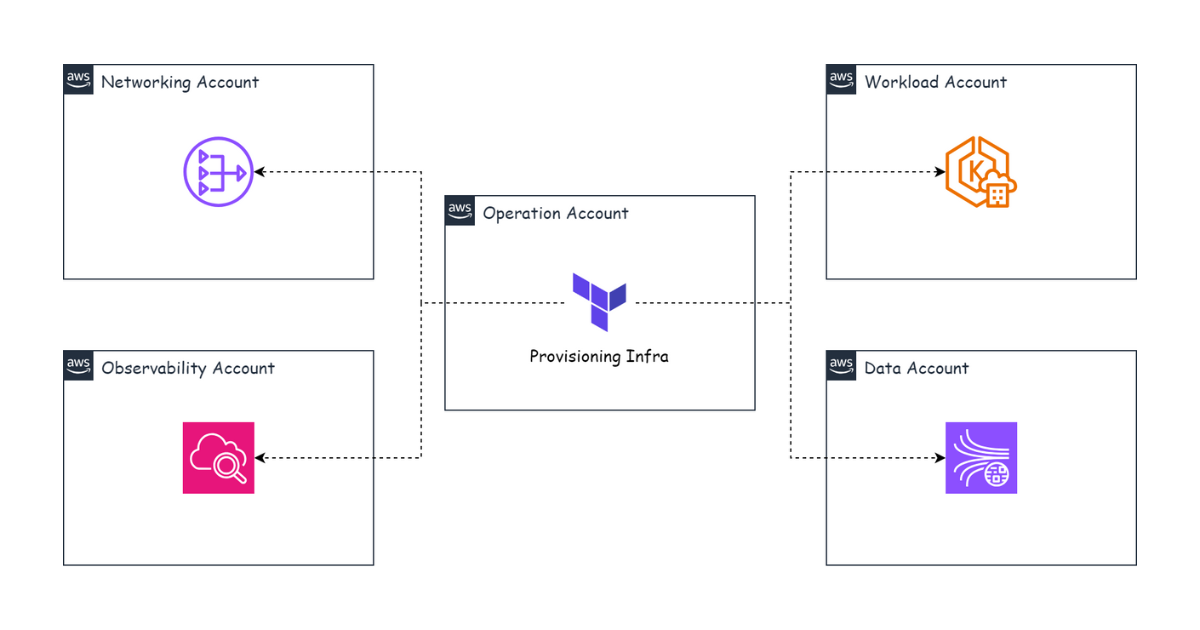
Operation is used to run CI/CD-related tasks and to provision infrastructure for the other accounts.
Observability is used to deploy the monitoring, logging, and tracing systems.
Data is used for data-related tasks such as collecting, processing, and presenting data nicely to internal users.
Managing multiple accounts
Once we have created all these accounts, how do we manage AWS billing and access? We need one more account whose purpose is to govern all of the accounts above — we can call it the root account. For the root account to manage the others, we use AWS Organizations together with AWS Control Tower.
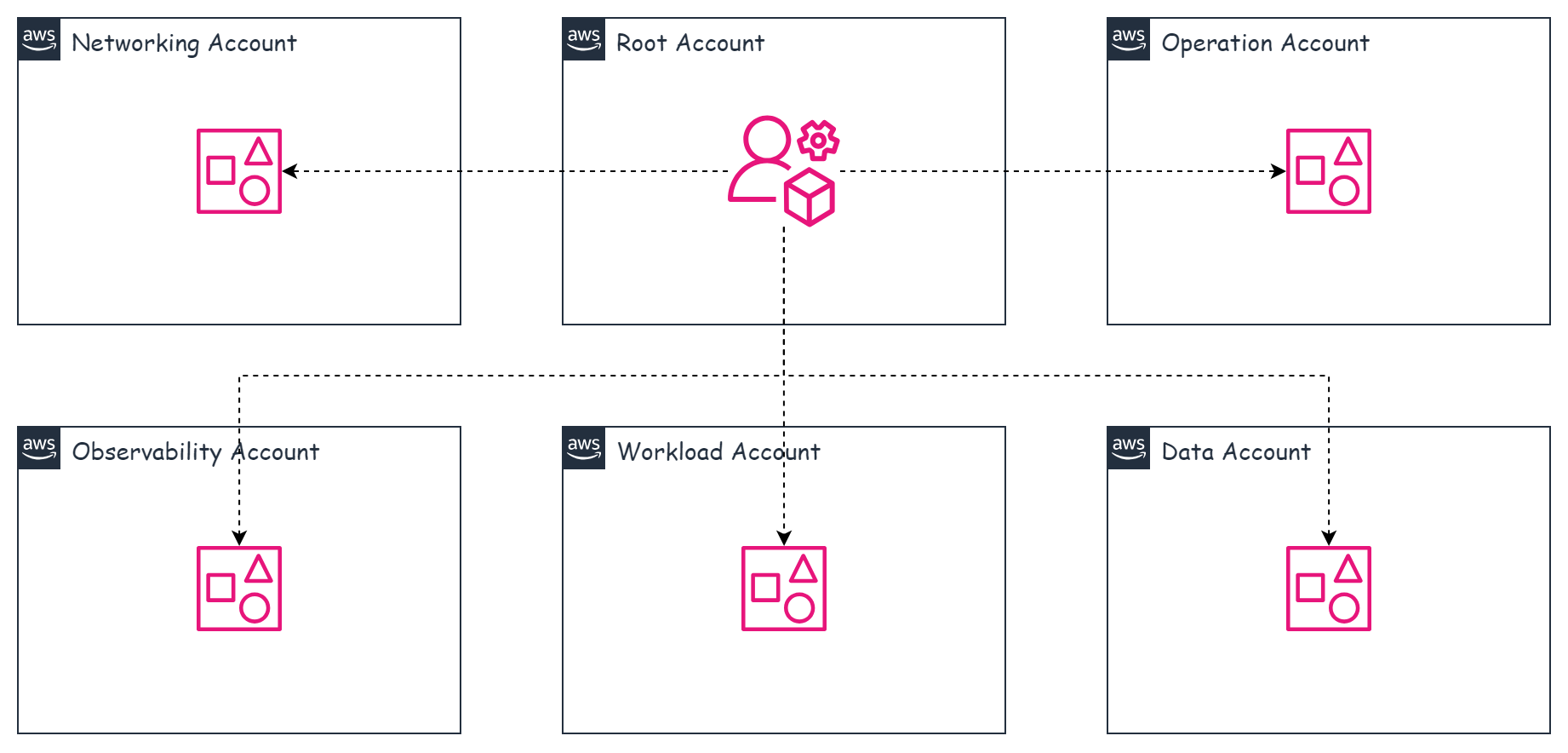
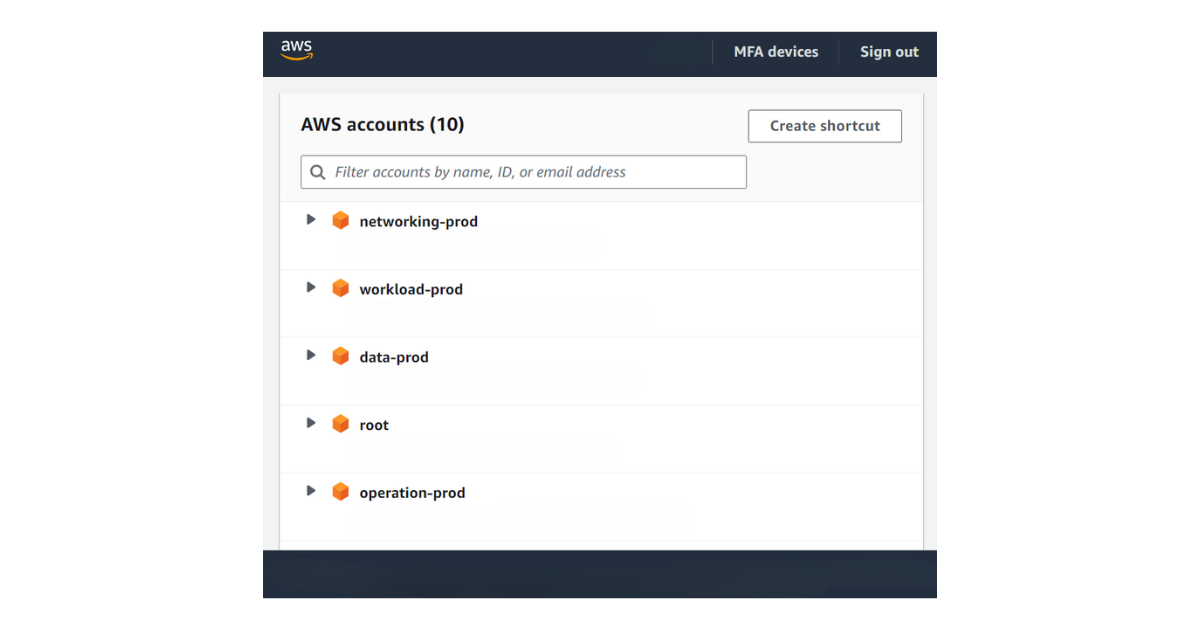
The next problem is access across the different accounts. With this many AWS accounts, how do we access them most conveniently? We can’t just use the regular Console and log in and out of each account. There’s also the matter of IAM users and permissions: if someone needs access to several accounts, surely we don’t want to go into each account to create an IAM user for them? To make it easy to access accounts inside Control Tower, AWS provides the IAM Identity Center service. We create permissions and users in one place, and they can access the different accounts through IAM Identity Center, as illustrated below.
In the next part, I’ll talk about how to use the Operation account to provision infrastructure for the other accounts.