

Short posts sharing Kubernetes tips.
The Problem
If we query the DNS of a domain that isn’t a Fully Qualified Domain Name (FQDN),
core-dns walks through the entire search path until it finds a match. By DNS
standards, a domain is considered an FQDN when the number of dots (.) in it equals
the ndots value, or it has a trailing ..
By default, the ndots value in EKS is 5. So, for example, if we look up the DNS of
a domain named amazon.com, core-dns queries in the following order, top to
bottom:
amazon.com.default.svc.cluster.local

amazon.com.svc.cluster.local

amazon.com.cluster.local

amazon.com.
If the number of Pods is small, there’s no problem, but as our system scales up it
leads to a very large number of DNS queries ⇒ core-dns becomes slow or errors out.
For example, in this article,
when the number of Pods reached 10,000, the peak time went up to 3000ms.
The Solution
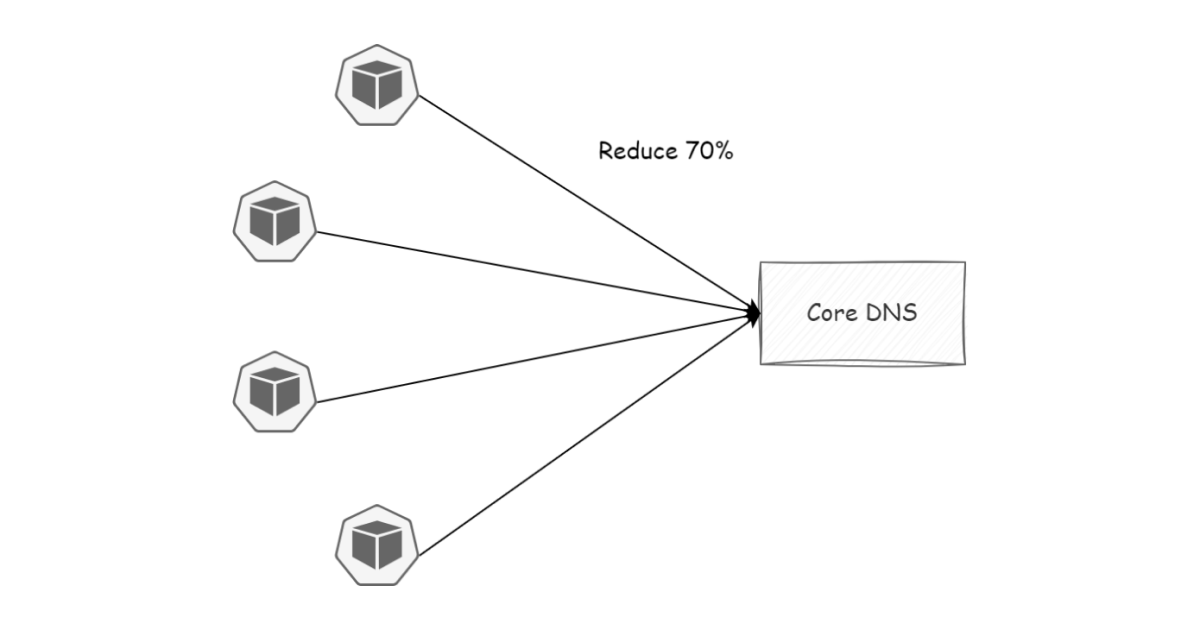
A simple solution is to add a trailing . to the domain — now our domain is in FQDN
form ⇒ core-dns doesn’t need to walk through the entire search path. For example,
instead of amazon.com, use amazon.com.. Now the DNS query time in our Pod
drops by up to 70%.
Another solution is to use NodeLocal DNSCache to avoid Pods running too many DNS queries.





